
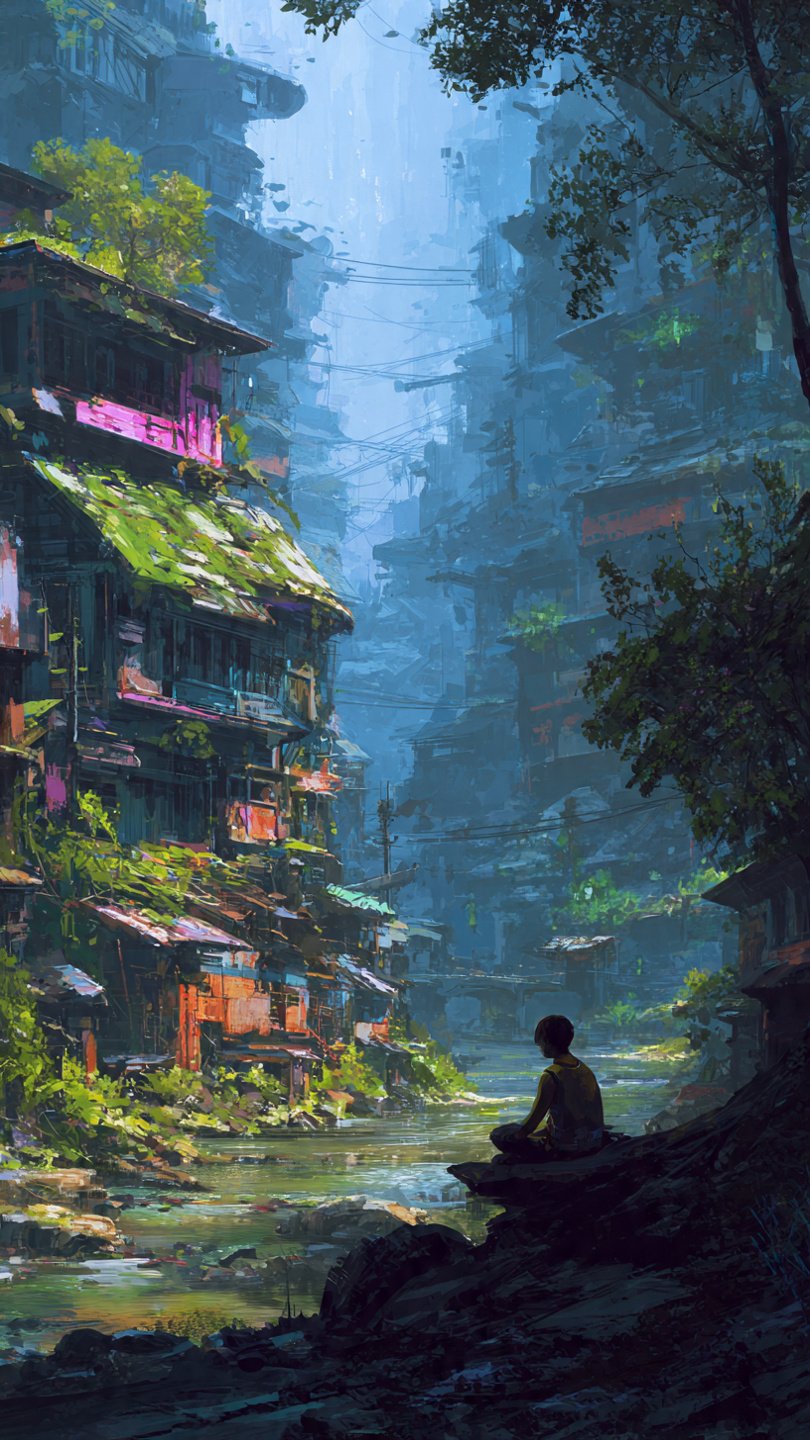
Digital concept art is where imagination meets the screen.
It’s the first step behind your favorite games, movies, animations, and even ads. Before a character moves or a world comes alive, an artist sketches it digitally. That sketch becomes the blueprint for everything else.
Today, digital concept art is more powerful than ever. With tools like Photoshop, Procreate, and AI-assisted workflows, anyone can turn ideas into professional visuals faster.
And the best part?
You don’t need expensive supplies. Just a tablet, software, and creativity.
In this guide, you’ll learn what digital concept art is, why it matters, tools you need, step-by-step methods, pro tips, and how to grow as an artist. Everything is written in simple, clear English so beginners can follow easily.
What Is Digital Concept Art?
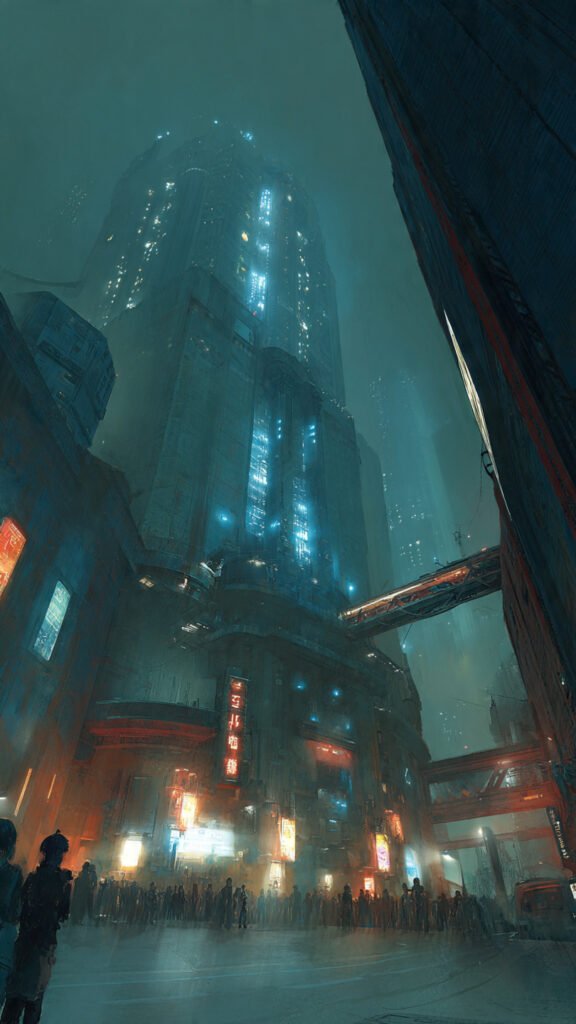
Digital concept art is the process of designing ideas visually using digital tools.
It helps creators plan:
- Characters
- Environments
- Props
- Vehicles
- Scenes
- Mood and lighting
Think of it like a visual draft.
Before a game studio builds a 3D model or a movie studio shoots a scene, artists create concept art to show how everything should look.
Instead of paper and pencil, artists use:
- Drawing tablets
- Stylus pens
- Design software
This makes editing faster and cleaner.
You can erase, resize, recolor, and experiment in seconds.
That’s why digital concept art has become the industry standard.
Why Digital Concept Art Matters in Games, Movies, and Design
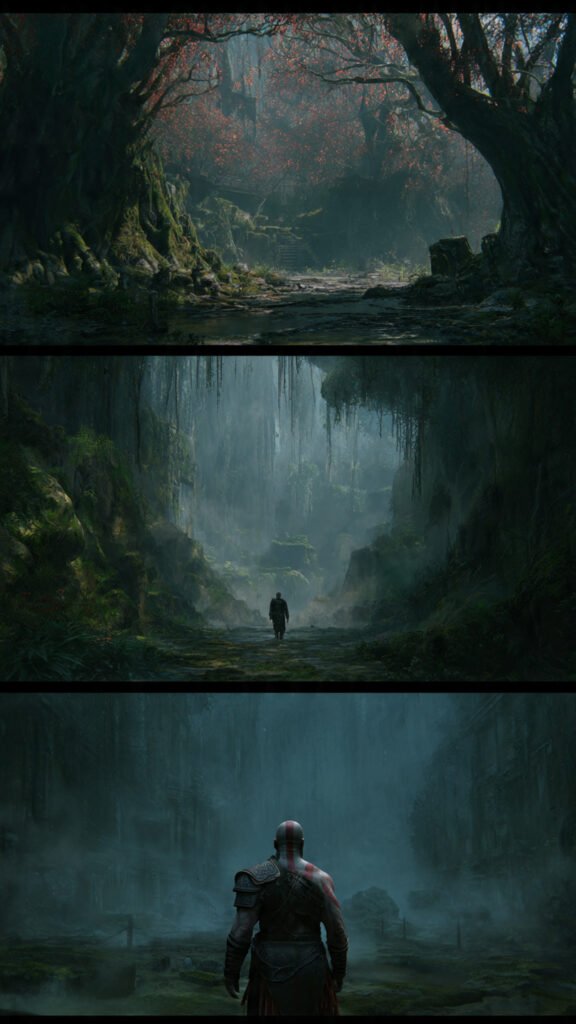
Without concept art, big projects would feel messy.
Imagine building a movie without knowing how the hero looks. Or designing a game without planning the world.
It would waste time and money.
Digital concept art solves this problem.
It helps teams:
- Visualize ideas early
- Save production costs
- Avoid mistakes
- Keep designs consistent
- Communicate clearly
For example:
A game studio may create 50 character designs before choosing one. That’s much easier digitally than physically.
Concept art also inspires creativity. It sets the tone, mood, and story style.
Dark colors = horror
Bright colors = fantasy
Soft tones = romance
One image can guide the entire project.
Tools and Software You Need to Start
You don’t need expensive gear to begin digital concept art.
Start simple.
Hardware:
- Drawing tablet (Wacom, Huion, XP-Pen, iPad)
- Stylus pen
- Laptop or PC
Software:
- Adobe Photoshop
- Procreate
- Clip Studio Paint
- Krita (free)
- Blender (for 3D concepts)
Helpful extras:
- Custom brushes
- Texture packs
- Reference images
- Cloud storage
If you’re a beginner, try Krita or Procreate first. They are easy and affordable.
Focus more on skill, not tools.
Remember: great art comes from practice, not expensive software.
Step-by-Step Process to Create Digital Concept Art
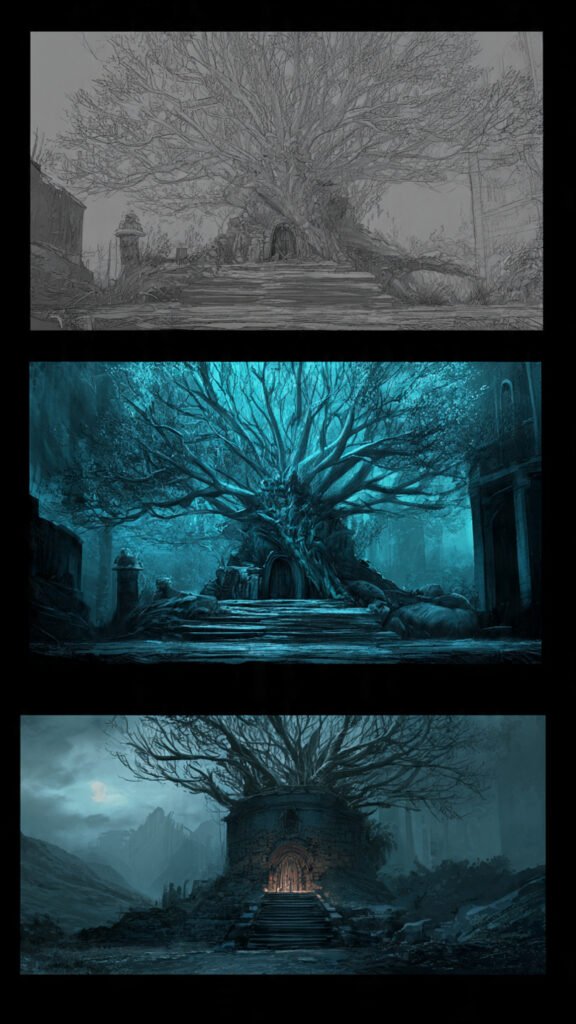
Creating concept art is not random.
Professionals follow a simple workflow.Step 1 – Research
Collect references. Study shapes, colors, real objects.
Step 2 – Sketch
Draw quick rough ideas. Don’t worry about details.
Step 3 – Choose the best design
Pick 1–2 strong concepts.
Step 4 – Refine
Add clean lines and better proportions.
Step 5 – Add color and lighting
Use shadows, highlights, and mood tones.
Step 6 – Final polish
Textures, details, effects.
Pro Tips to Improve Your Digital Concept Art Faster
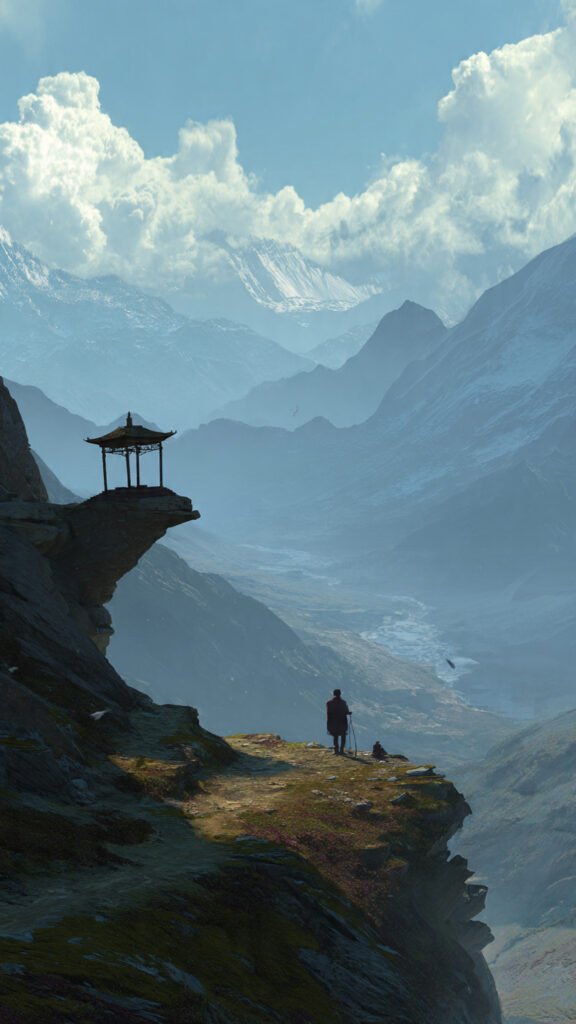
Want to grow faster?
Follow these proven tips.
Practice smart, not long:
- Draw daily for 30–60 minutes
- Focus on one skill each day
Use references:
Pros always use references. It’s normal.
Learn basics first:
Master:
- Anatomy
- Perspective
- Lighting
- Color theory
Without basics, tools won’t help.
Study other artists:
Break down their work:
- How they shade
- How they compose
- How they use color
Build a portfolio:
Show:
- Characters
- Environments
- Props
- Different styles
Quality beats quantity.
How to Turn Digital Concept Art Into a Career
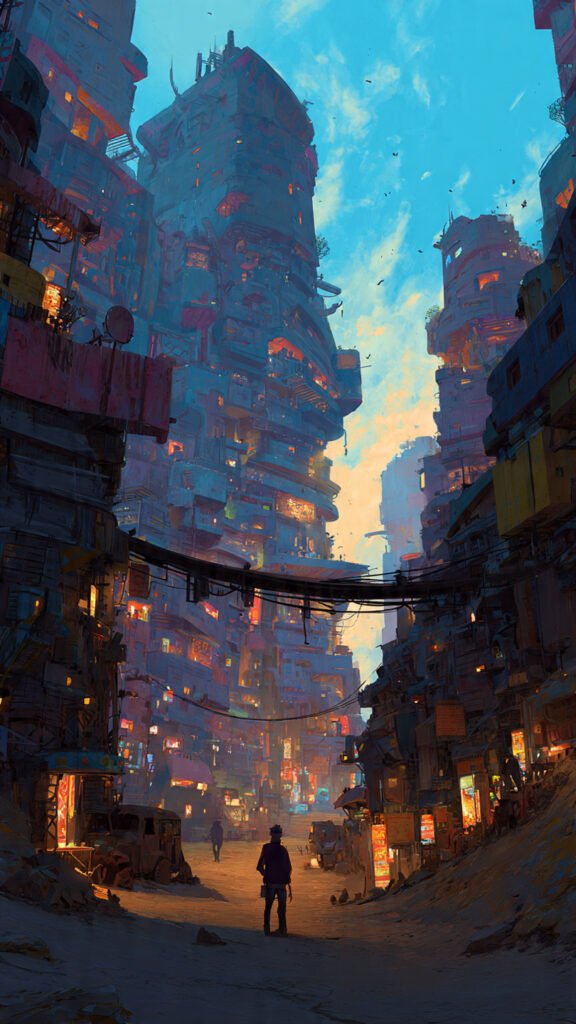
Yes, you can earn money from digital concept art.
Many industries hire artists:
- Game studios
- Animation companies
- Film production
- Advertising agencies
- Freelance platforms
- NFT & digital marketplaces
Career paths:
- Concept artist
- Character designer
- Environment artist
- Matte painter
- Illustrator
How to get clients or jobs:
- Create a strong portfolio website
- Post on Instagram, ArtStation, Behance
- Join art communities
- Take freelance gigs
- Network online
Start small.
Even $20 jobs build experience.
Over time, skills grow. Pay grows too.
Many professional concept artists earn $50k–$100k+ per year.
Your art can become your income.
Conclusion
Digital concept art is one of the most exciting creative skills today.
It blends:
- Imagination
- Technology
- Storytelling
- Design
You don’t need perfect skills to start.
Just open your tablet and sketch.
Every professional was once a beginner.
Practice daily. Learn the basics. Build your portfolio.
And most important…
Create more than you consume.
Your next sketch could become the next game character, movie hero, or viral design.
Start today.
FAQs Abouts Digital Concept Art
1. What is digital concept art?
Digital concept art is visual design created using digital tools to plan characters, environments, and scenes for games, movies, and media.
2. Do I need a drawing tablet for concept art?
Yes, a tablet makes drawing easier and more natural than a mouse. Even budget tablets work well.
3. Which software is best for beginners?
Krita, Procreate, and Clip Studio Paint are beginner-friendly and affordable options.
4. Can I learn digital concept art without art school?
Yes. Many artists are self-taught using YouTube, courses, and daily practice.
5. How long does it take to get good?
With daily practice, you can see strong improvement in 6–12 months.
6. Is digital concept art a good career?
Yes. Game and film industries constantly hire skilled concept artists.
7. Do professionals use references?
Yes. References improve accuracy and speed. They are used by all professionals.
8. What skills should I learn first?
Start with anatomy, perspective, lighting, and color theory.
9. How do I build a portfolio?
Create 10–15 strong pieces showing different styles and upload them to ArtStation or Behance.
10. Can beginners earn money from concept art?
Yes. Start with small freelance jobs, commissions, or online marketplaces and grow over time.